eBay store management
eBay ERP: bring cross-border listing and fulfillment into one flow
Use one workspace to prepare eBay products, synchronize orders, process fulfillment, and keep SKU inventory changes traceable.
Core capabilities
Organize work around real operating actions
Review store state and platform capability
Prepare local product data for listing
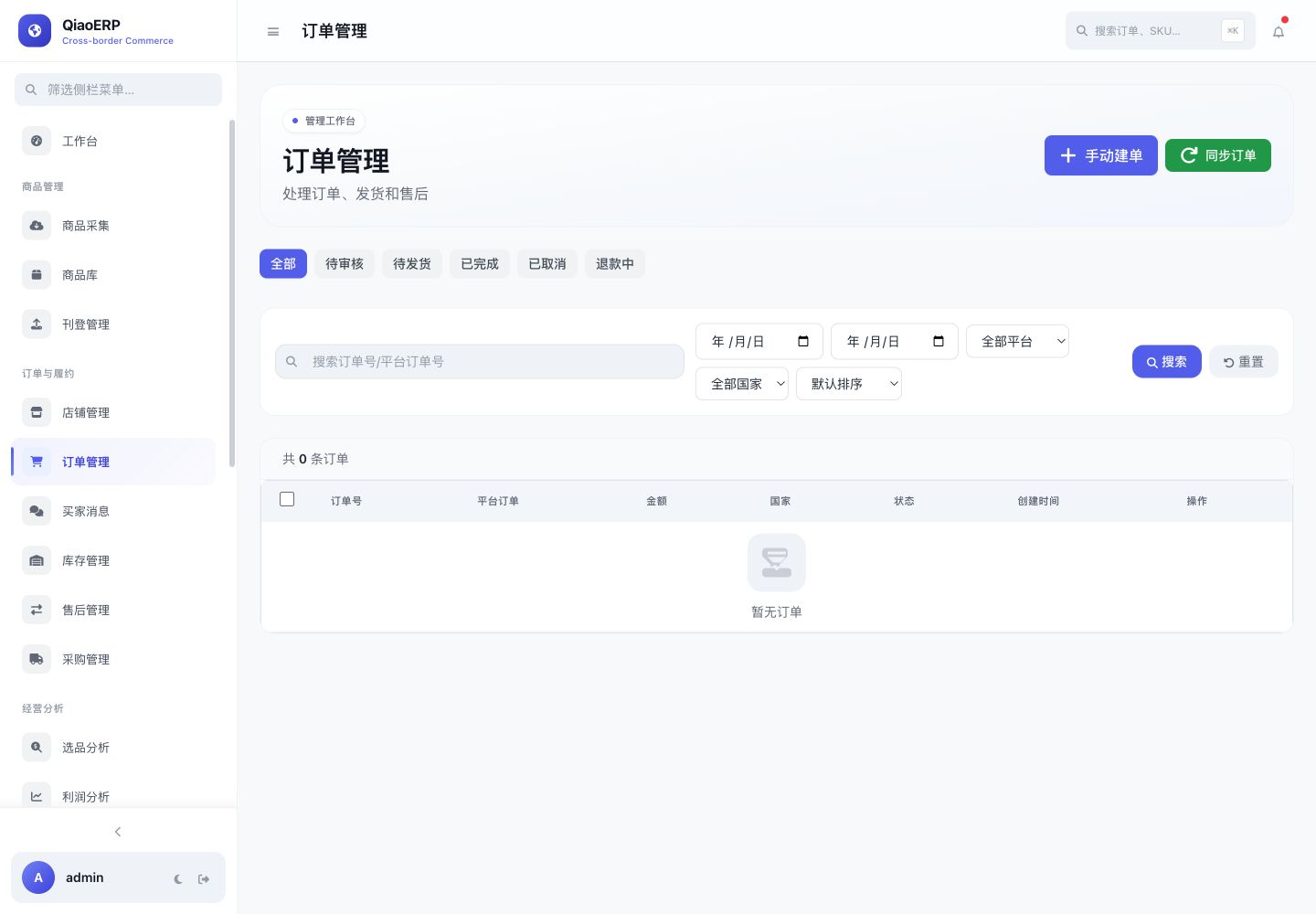
Filter and process orders by status
Retain task results and failure reasons
Workflow
From connecting the business to completing the work
- Step %!s(int=1)
Create the workspace
- Step %!s(int=2)
Authorize the eBay store
- Step %!s(int=3)
Prepare listings and synchronize orders
- Step %!s(int=4)
Complete fulfillment and review results
Frequently asked questions
How are listing failures handled?
Failures remain attached to the listing task with the platform response so the team can correct data and retry deliberately.
Can fulfillment be separated by store?
Orders retain their store context and can be filtered before fulfillment actions are submitted.
Does inventory sync run without authorization?
No. Inventory writes depend on a valid store connection and the required platform capability.
Start using QiaoERP
Create a workspace, then configure stores, members, and business data.