Purchasing and replenishment
Purchasing: turn inventory gaps into receiving records
Organize replenishment suggestions, purchase drafts, and receiving around SKU inventory gaps so recommendations, decisions, and stock changes remain traceable.
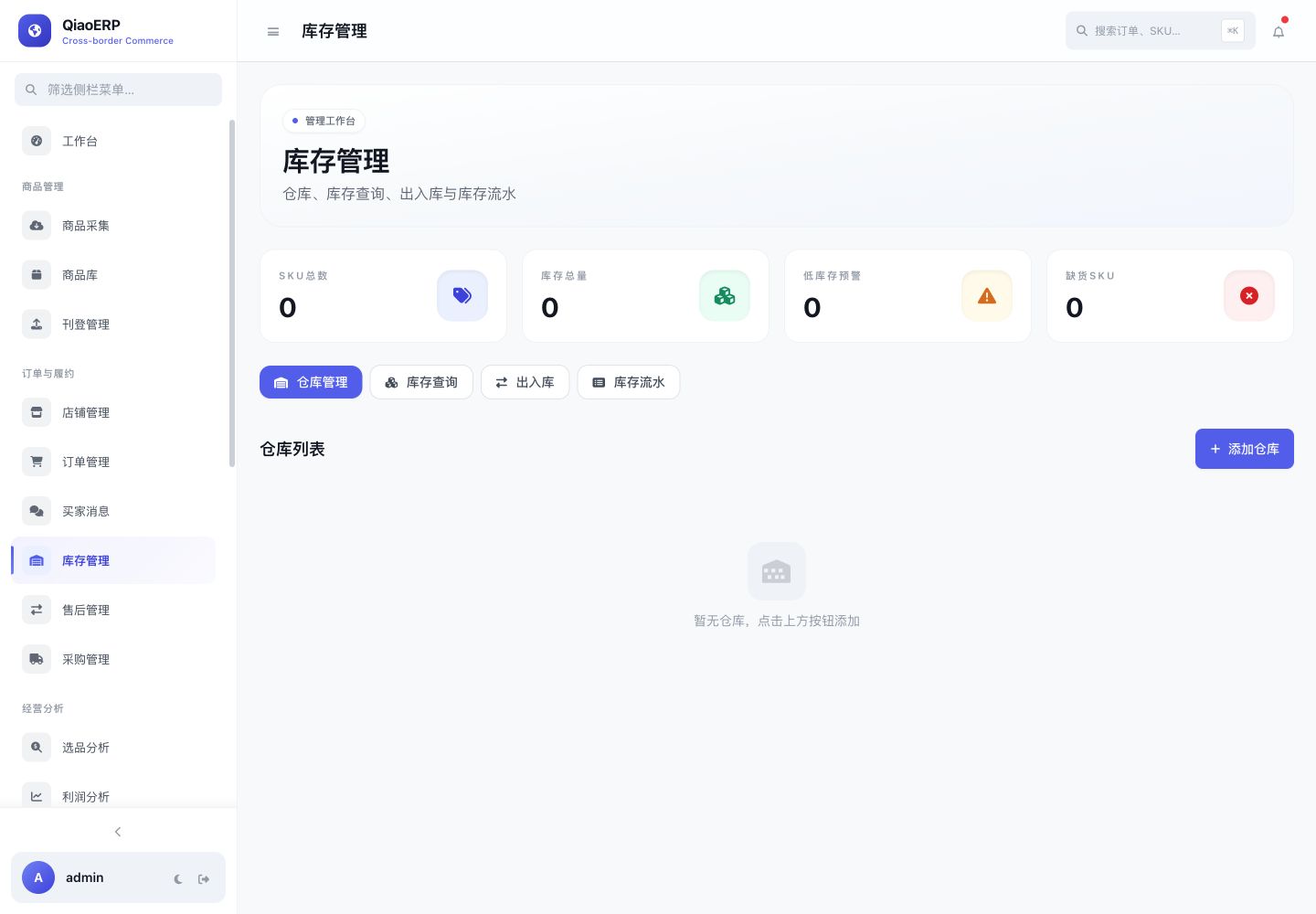
Core capabilities
Organize work around real operating actions
Review replenishment evidence by SKU
Turn suggestions into purchase drafts
Control purchasing through permissions
Increase warehouse inventory after receiving
Workflow
From connecting the business to completing the work
- Step %!s(int=1)
Maintain SKU and warehouse inventory
- Step %!s(int=2)
Evaluate gaps and suggested quantities
- Step %!s(int=3)
Review and create a purchase order
- Step %!s(int=4)
Reconcile receiving and post inventory
Frequently asked questions
Will a suggestion create an order automatically?
Suggestions support decisions. Purchase creation and confirmation should follow the organization’s permissions and approval rules.
How does receiving affect inventory?
Confirmed receiving creates an inbound movement by warehouse and SKU and increases on-hand inventory.
Can buyers adjust suggestions?
Buyers can adjust drafts based on suppliers, lead time, and actual demand before submission.
Start using QiaoERP
Create a workspace, then configure stores, members, and business data.