Logistics fulfillment
Logistics management: coordinate shipment, carriers, and tracking
Move ready-to-ship orders into logistics processing, choose available channels, record tracking, and write the fulfillment result back to the order.
Core capabilities
Organize work around real operating actions
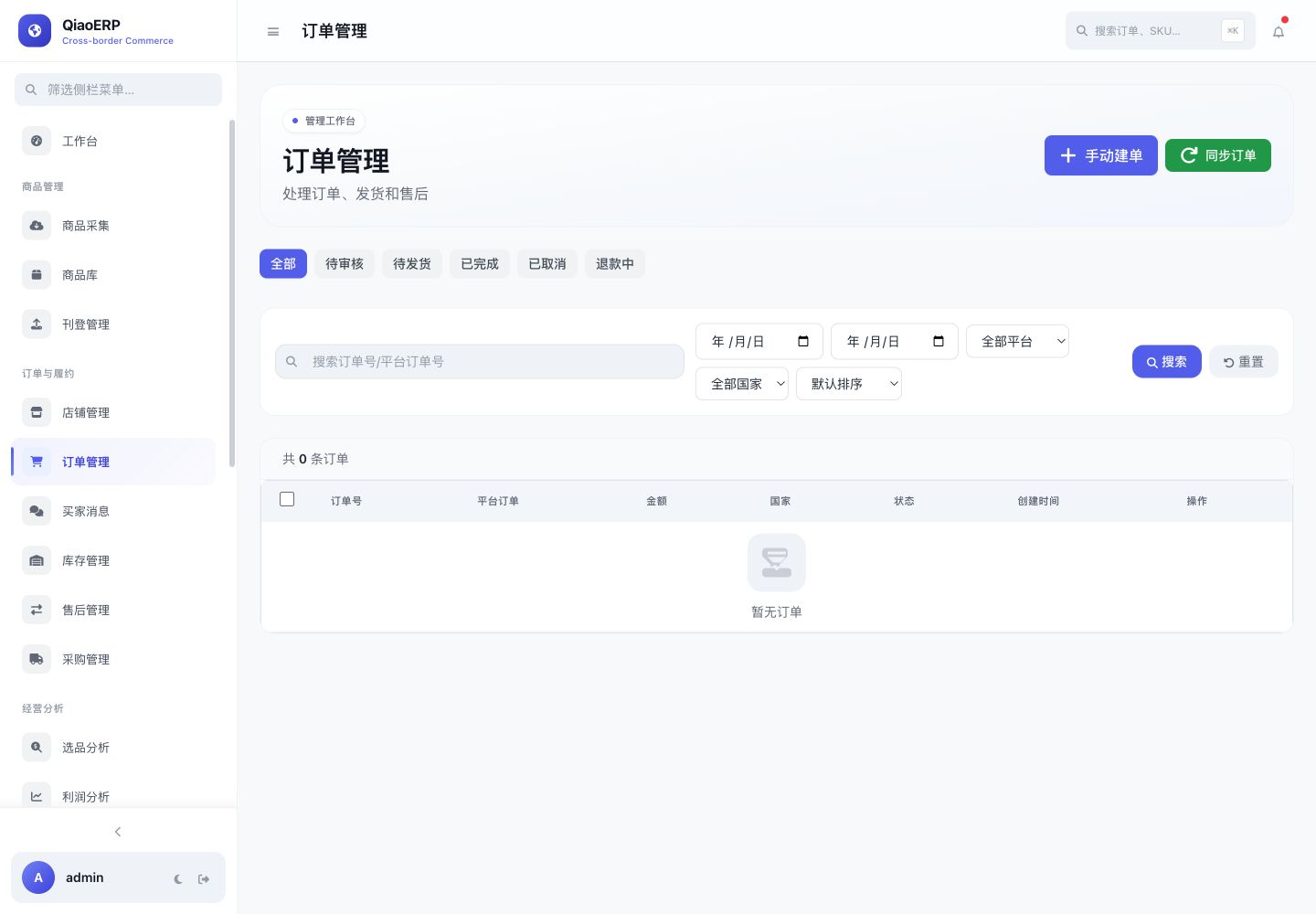
Start fulfillment from the order workspace
Query channels allowed by platform capability
Record package and tracking information
Retain platform shipment responses
Workflow
From connecting the business to completing the work
- Step %!s(int=1)
Filter ready-to-ship orders
- Step %!s(int=2)
Review products and recipient data
- Step %!s(int=3)
Choose a channel and submit shipment
- Step %!s(int=4)
Track the result and update fulfillment
Frequently asked questions
Where do logistics channels come from?
Available channels come from the platform interface or organization configuration. The final result depends on the order, site, and store permissions.
Does shipment update the order?
The system records the shipment response and updates local fulfillment state according to the returned result.
Are tracking numbers retained?
Shipment processing can save package and tracking information for later lookup and reconciliation.
Start using QiaoERP
Create a workspace, then configure stores, members, and business data.