Customer service
Customer service: connect orders, messages, and after-sales
Give support agents the order, fulfillment, and after-sales context they need so replies, refunds, and follow-up actions stay consistent.
Core capabilities
Organize work around real operating actions
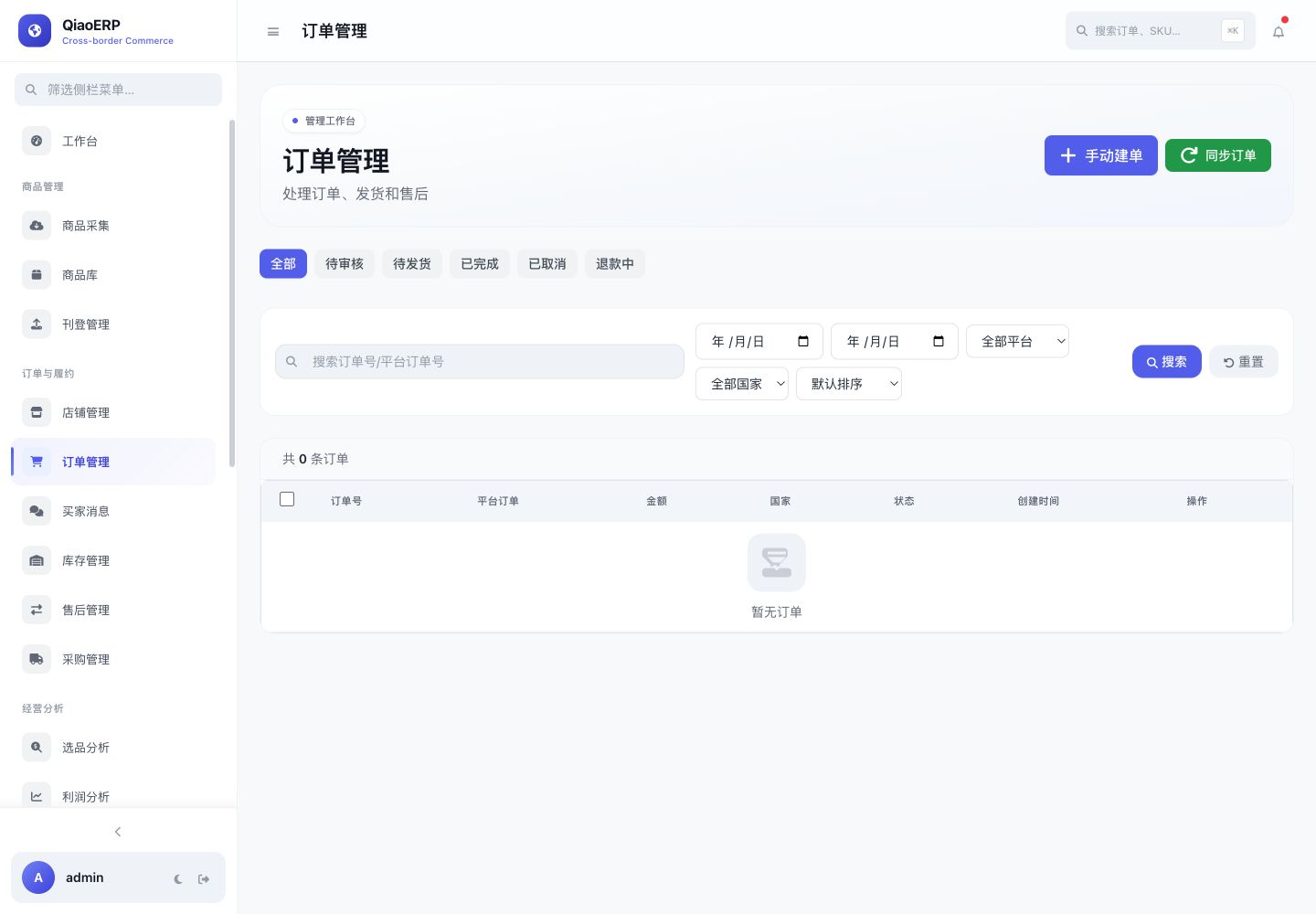
Locate a customer issue by order
Record after-sales reasons and outcomes
Organize pending support work
Retain important operation history
Workflow
From connecting the business to completing the work
- Step %!s(int=1)
Receive a message or after-sales request
- Step %!s(int=2)
Review the related order and logistics
- Step %!s(int=3)
Choose a response within permission
- Step %!s(int=4)
Record the outcome and follow up
Frequently asked questions
Can support agents see order information?
With the required role permission, agents can review related order and fulfillment context from the customer or after-sales workspace.
Does it support automatic replies?
The system can generate a reply draft, while sending depends on the platform message capability and important replies should be confirmed by a person.
Are after-sales actions traceable?
Important state changes and operations can remain in business records and audit logs for later review.
Start using QiaoERP
Create a workspace, then configure stores, members, and business data.