Barcode inventory
Barcode inventory: receive and issue SKUs by scanner or phone
Scan a product barcode, resolve it to a tenant SKU, choose the warehouse and quantity, and enter the receiving or issuing workflow with less manual entry.
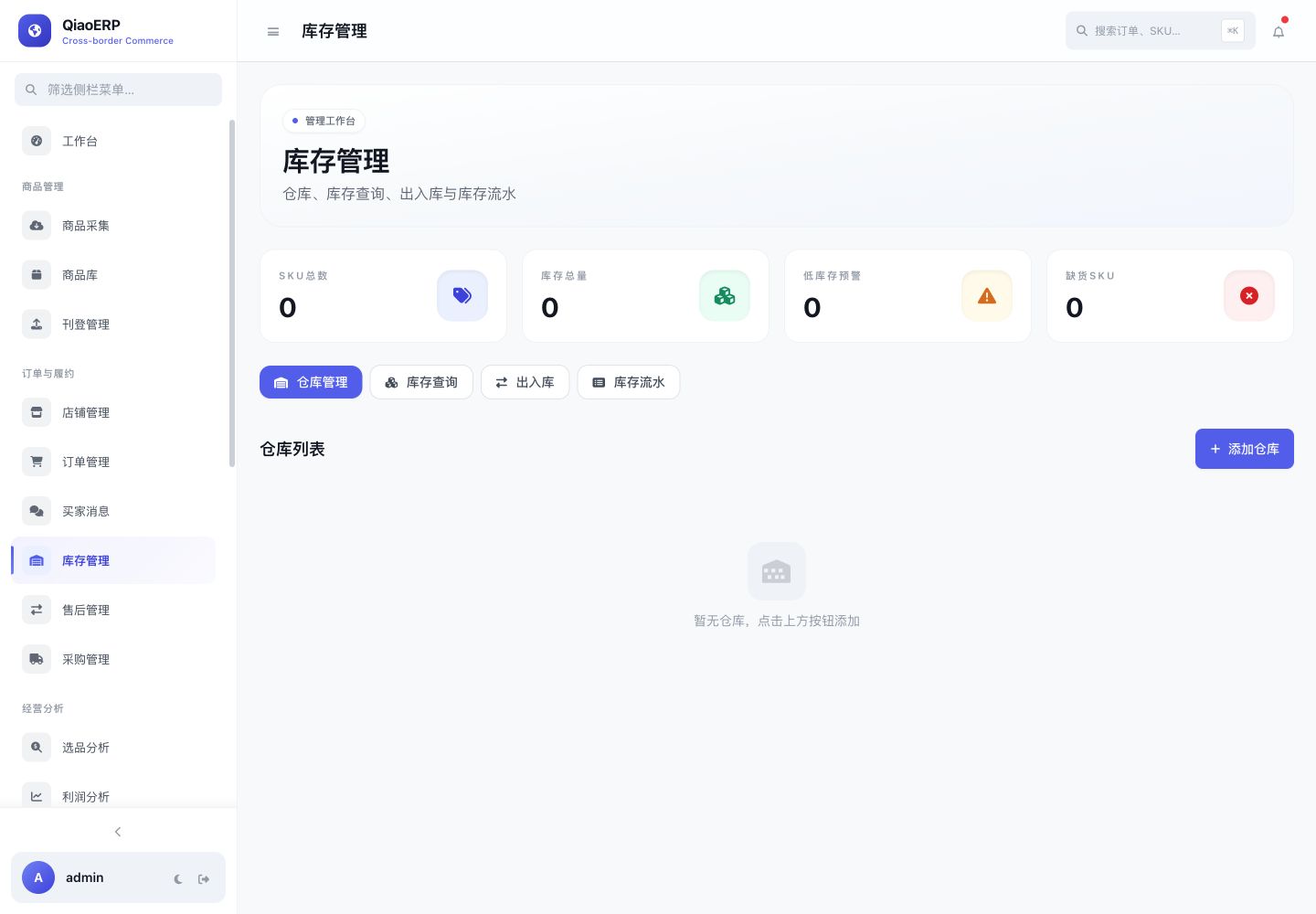
Core capabilities
Organize work around real operating actions
Resolve barcodes within the tenant
Confirm warehouse and quantity
Issue available inventory or receive stock
Retain the business source and operation record
Workflow
From connecting the business to completing the work
- Step %!s(int=1)
Open barcode inventory operations
- Step %!s(int=2)
Scan or enter the barcode
- Step %!s(int=3)
Confirm SKU, warehouse, and quantity
- Step %!s(int=4)
Submit and review the inventory movement
Frequently asked questions
Can a regular barcode scanner be used?
Yes, scanners that output keyboard input can be used; the page submits the resolved barcode.
Can a phone scan the barcode?
A phone browser with camera permission can use the scanning entry point. The experience depends on the browser and deployment.
What if a barcode cannot be found?
The corresponding barcode must first be maintained on a tenant product SKU. Resolution never crosses tenant boundaries.
Start using QiaoERP
Create a workspace, then configure stores, members, and business data.